
How Say Goodbye works.
Four steps to record a message and schedule it for the people you choose. You decide who, when, and how. After your passing and death certificate verification, the recipient will receive a notification when messages are avaliable.
01
Choose your
message type.
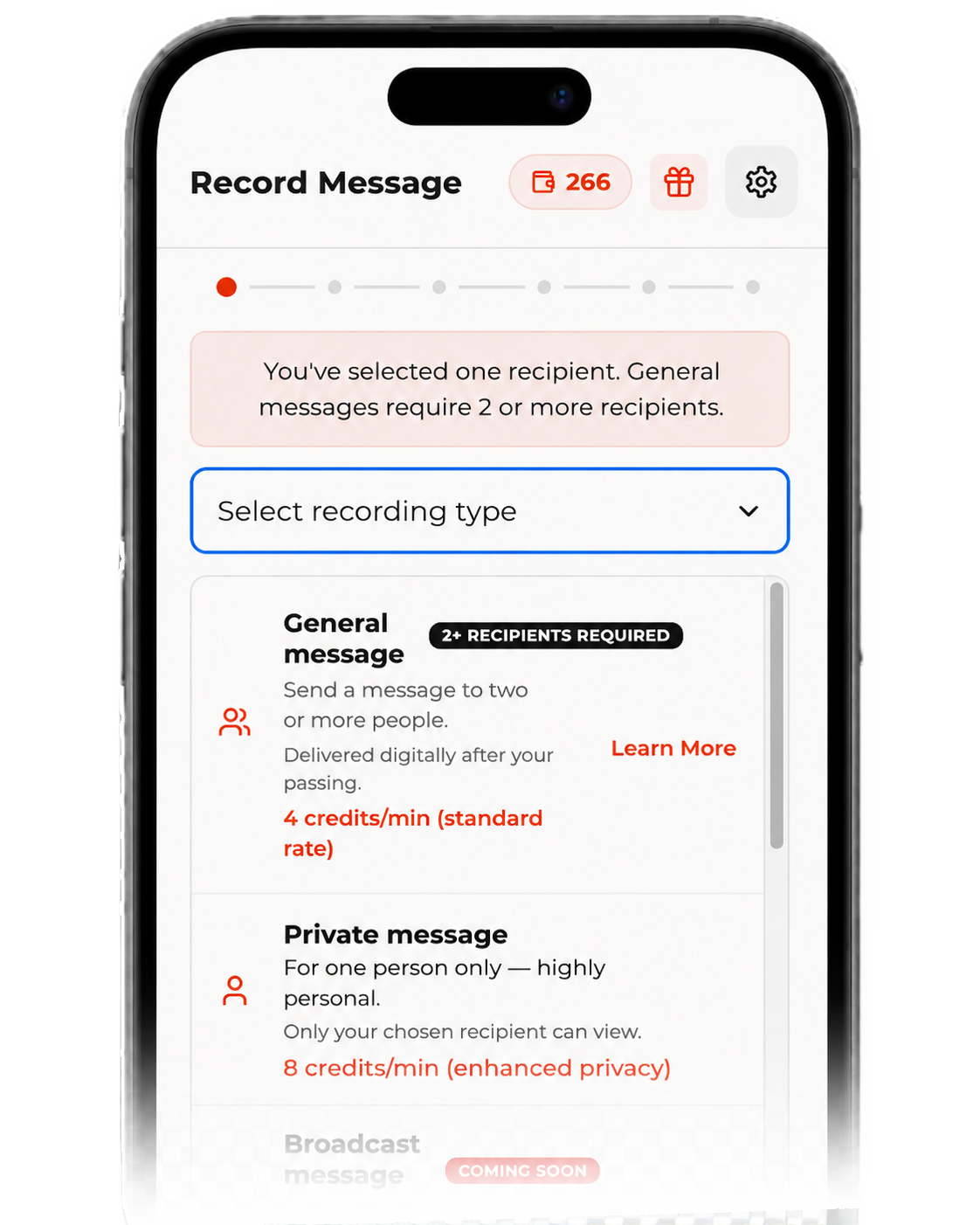
Select a General message for a group of people or a Private message for one specific recipient.
A
General — a message shared with the people you choose.
B
Private — a one-to-one message for a single recipient.
C
You can record more than one. Mix types as needed.
02
Pick your recipient.
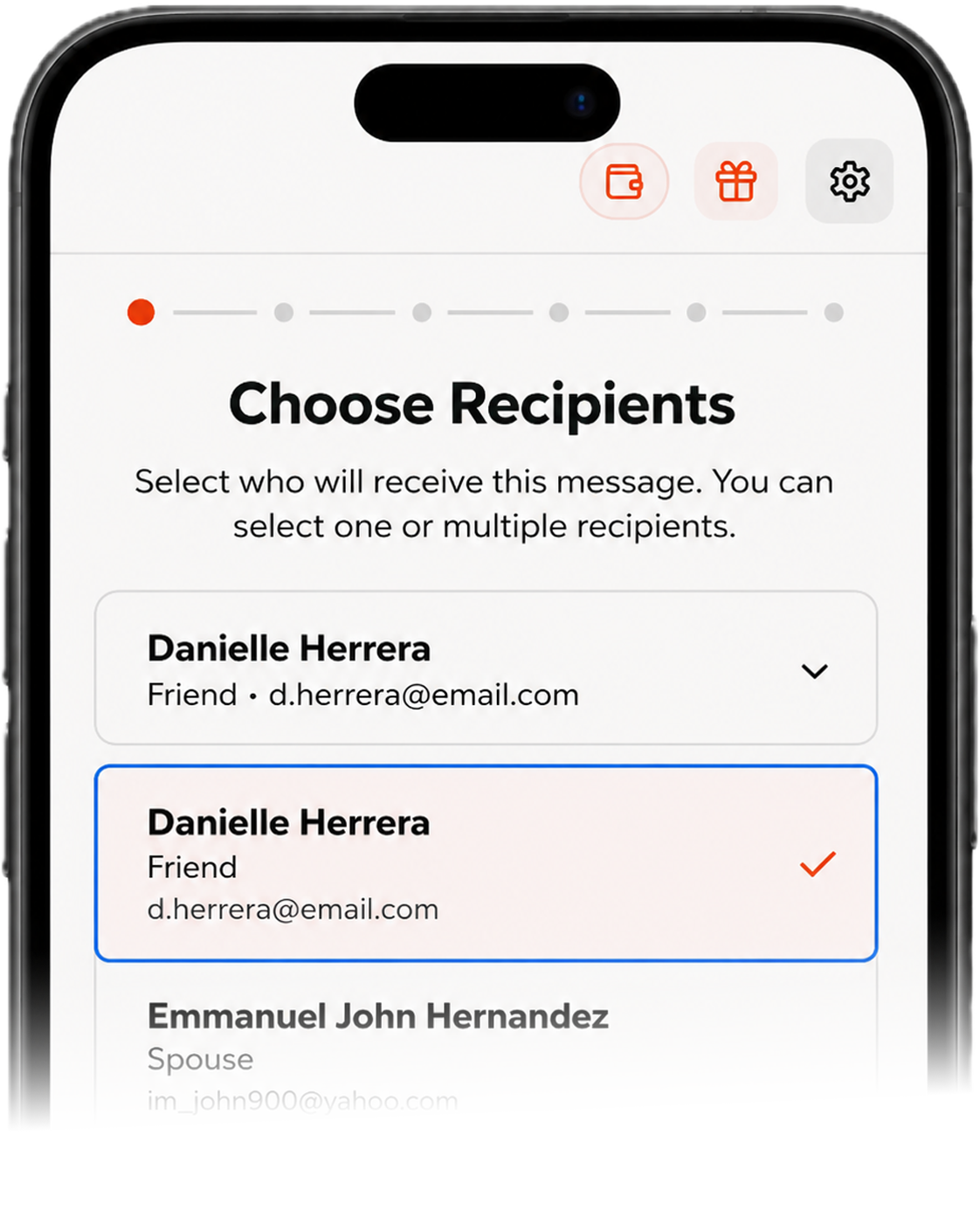
Choose who the message is meant for and add the details needed for delivery.
A
General — a message shared with the people you choose.
B
Private — a one-to-one message for a single recipient.
C
You can record more than one. Mix types as needed.
03
Set the delivery
schedule.
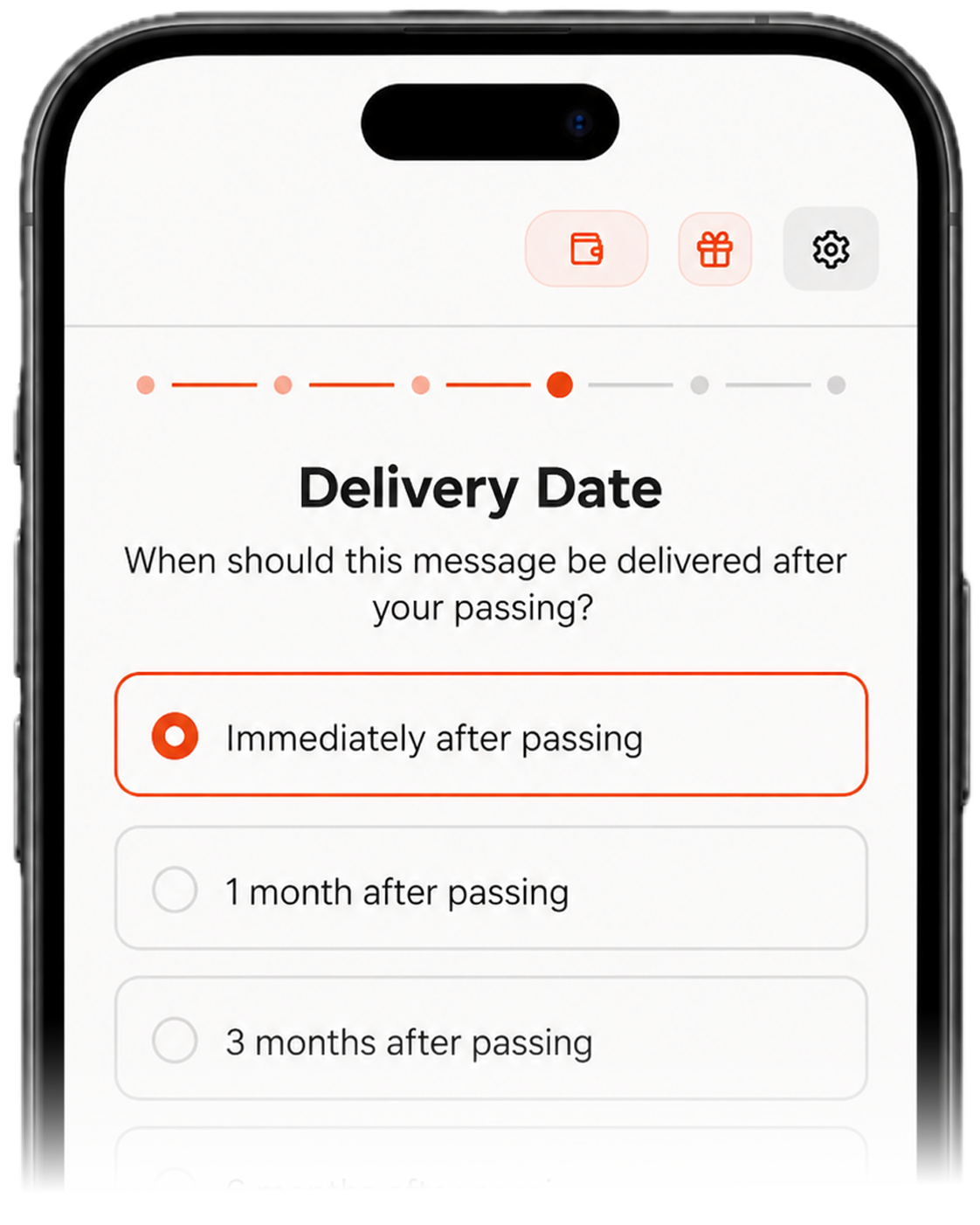
Choose the future delivery time, date, or recurring days you want the message sent. Immediately after verification of passing or:
A specific date
A birthday. An anniversary. A day, years from now.
A milestone
A graduation, a wedding, the birth of a child.
A recurring day
Send the same message every year on a chosen date.
04
Record, review, and
confirm.
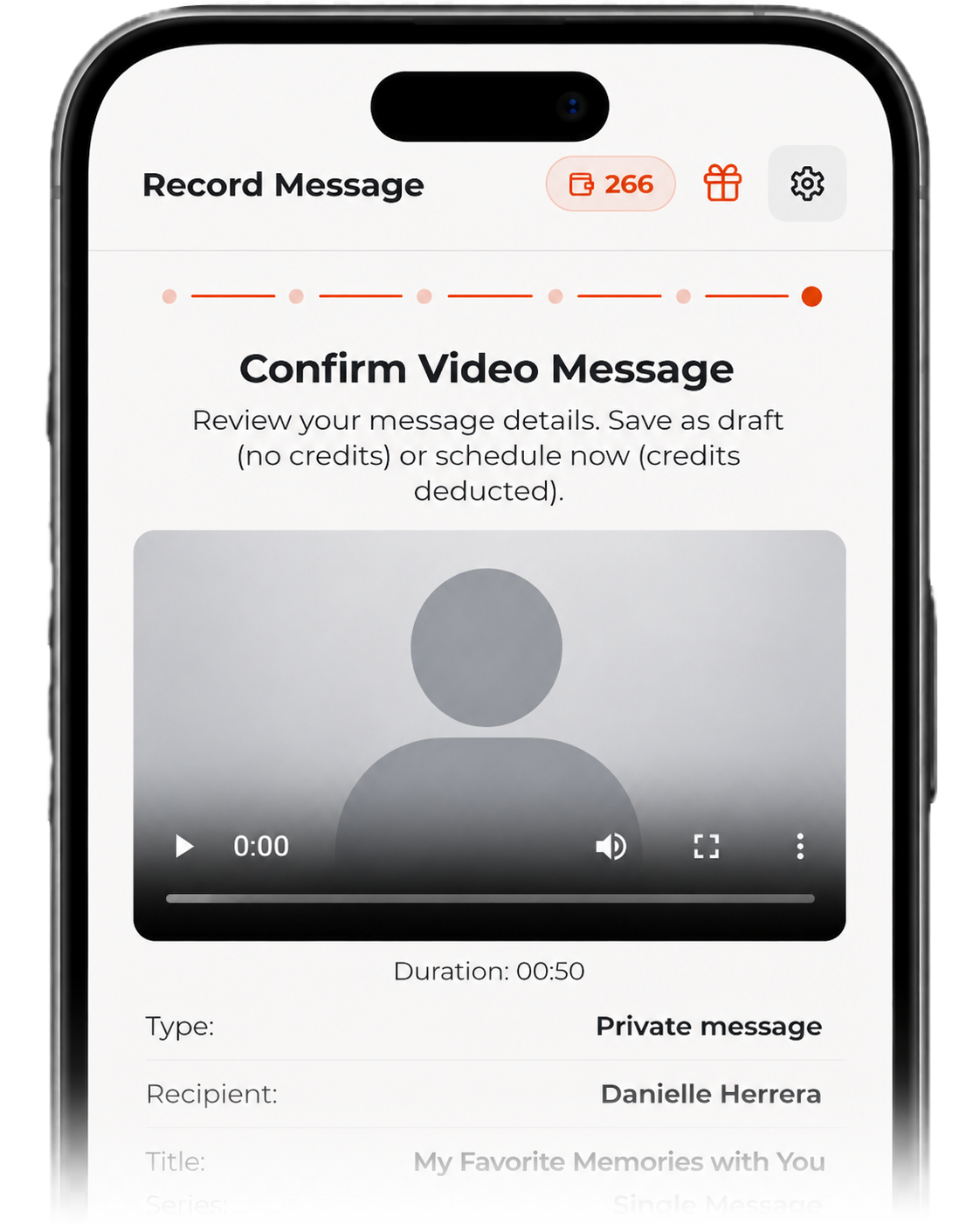
Record your video, confirm all details, save, and Say Goodbye handles the rest. After your passing and death certificate verification, your messages are released to the loved ones they were intended for.
A
Upload or record from any device — phone or webcam.
B
Review and re-record as many times as you need.
C
Confirm the details — your scheduled send is in place.
Start with one message.
You don't need to record every message at one time.
Begin with those that feels most important.

A private place to record messages for the people you love - delivered when it matters most.
PRODUCT
COMPANY
LEGAL
© 2026 Say Goodbye, Inc. - Made with care in Houston, Texas.
Say Goodbye is for personal video messages. It is not a legal, medical, mental health, crisis, or estate-planning service. Message access, timing, storage, and viewing options depend on the settings and plan selected. No system can guarantee absolute security, but Say Goodbye is designed with safeguards and controlled-access options to help protect your messages.